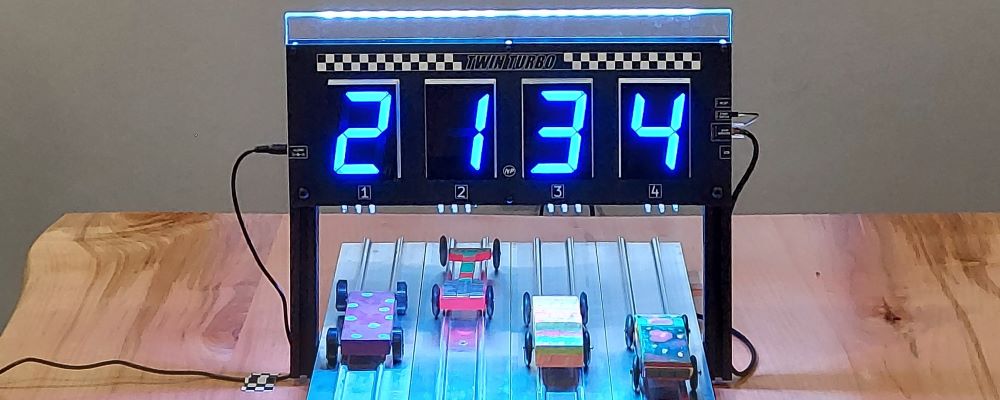
Maybe you want to understand more technically how the timer will install onto your track. Check our manuals section for detailed installation instructions to install the timer to your pinewood derby track and to download a copy of the manual. You can also download our informational spec sheets on both product lines.
Returns:
If you think your product needs to be returned to be tested or repaired OR to have new features installed, click over to our Returns section to find out how to do it.
USB Driver for BUILT-IN USB interface:
If you need to download the USB driver for the Built-in USB Interface on the TURBO Timer, click here. This driver is for computers running Windows 2000/XP/Server 2003/Vista/Windows 7. Please also download the readme file to help in your installation process.
USB Driver for USB to RS-232 adapter that we sell by IOGEAR:
If you purchased a USB adapter from us for either of our timers, you can download the driver directly from the vendor's web page. The product we ship is model GUC232A. Go to the link here to get to IOGEAR and find the driver for your particular computer.
Upgrades
If you are interested in upgrading an existing DTX0000, TURBO, orTurbo Lite Timer, click here for information on Upgrades.
Many people want to purchase a track and a timer at the same time. This page gives you information regarding the different pinewood derby track manufacturers and their offerings.
Pinewood derby track manufacturers and how to contact them